Tools
The tools listed are aids in using TwentyFive and the other analyses described here in your daily practice. This overview gives a first look at the possible uses of the tools and at the differences between them.
- Controlboard
- MatchLytics-Management
- MatchLytics-Assessment
- PPT exports
- Call-Assistant
- Knowledge base
- sense.AI.tion Academy
- Mindful Communication Badge
- Audienca
Controlboard
The Controlboard is the central entry point to all tools: you sign in once and start the tools your company has licensed from the Applications page. In the Controlboard, administrators also manage users and teams, maintain email templates and workflows, import and export data, define mandatory courses of the academy and set the language, logo and other settings of the company. Reports show how teams use MatchLytics-Management.

Documentation for the Controlboard, in particular:
- Applications: the cards of the tools and what they start
- Users and Teams and permissions
- Emails and templates and Workflows
- Settings
- Tutorial: Set up your company
MatchLytics-Management
MatchLytics-Management supports team leaders in leading and developing their teams.
- Employees sign in as users and create their own motivation profile according to TwentyFive; team leaders see their employees’ results with match, interview guidelines and short profile.
- Team Profile, Team Analysis and Job Roles show the composition of the team, the differences between its members and which members fit which competency.
- In the SituationFit (weekly check), employees state how well their current work situation fits their motivation profile; the Team Barometer combines the weekly checks into a weekly status report for the team.
- Regular meetings plan and document the recurring conversations with each team member, with a preparation based on profile and barometer.
- The Synergy Analysis compares two motivation profiles (person with person, person with position or two positions) and shows where they complement each other and where friction can arise.
- Applicants who are hired in MatchLytics-Assessment are taken over into MatchLytics-Management as employees together with their motivation profile.
- Inviting external persons (applicants) to create a motivation profile is not possible; MatchLytics-Assessment is used for that.
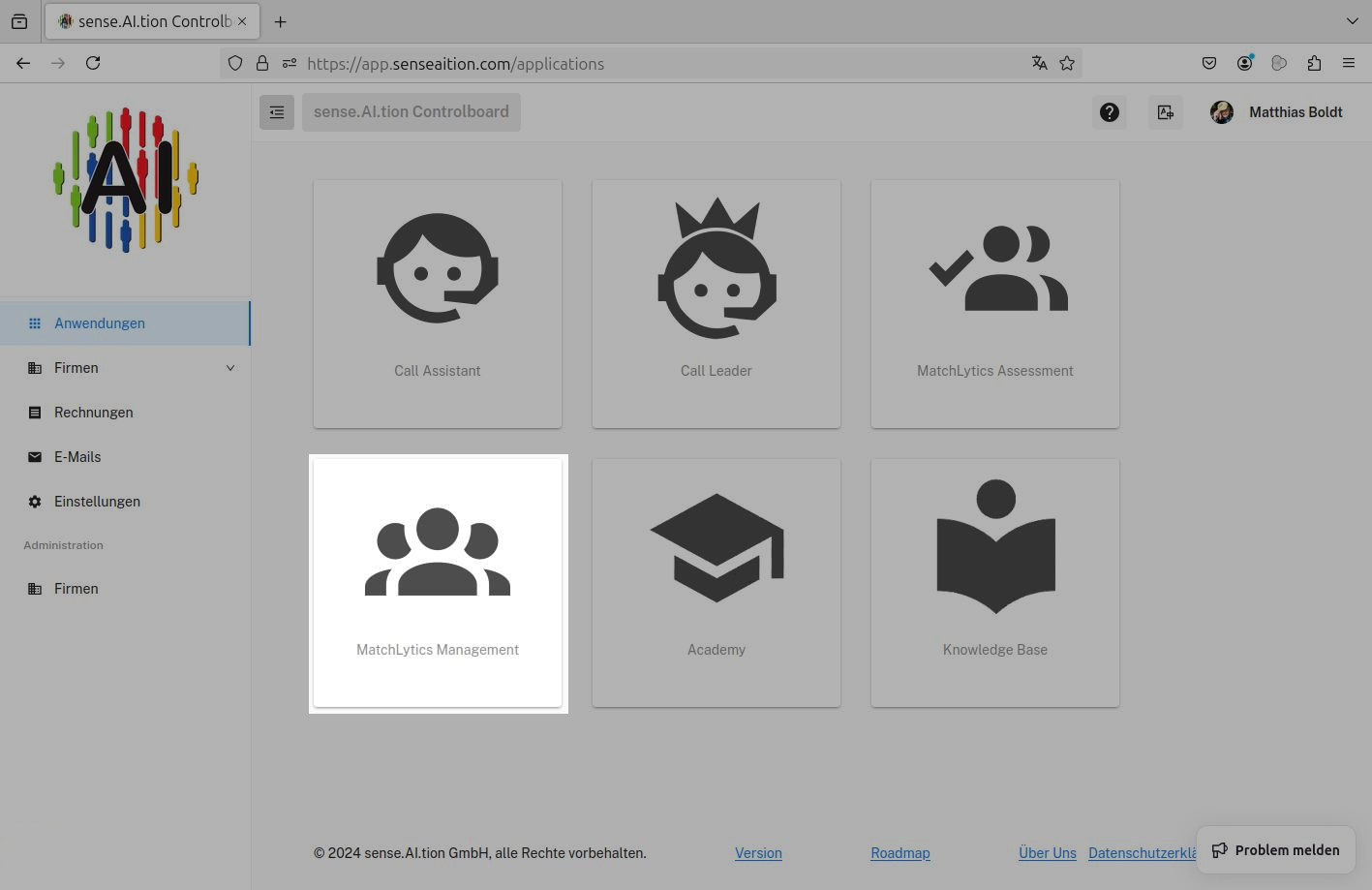
Documentation for MatchLytics-Management
MatchLytics-Assessment
MatchLytics-Assessment supports filling a vacancy with suitable applicants.
- Under Positions, you create positions and describe their requirements through a source (job profile, motivation profile, employee profile or activities).
- Under Invitations, you invite applicants individually or with a team invitation (CSV); the email follows a template from the Controlboard, and each applicant receives a personal link to the questionnaire.
- MatchLytics-Assessment compares all received profiles with one position and shows the Match of each applicant as a percentage.
- For each applicant, the motivation profile, Interview Guidelines for the job interview and a short profile are available.
- With Hire Applicant, you take an applicant over into MatchLytics-Management as an employee, optionally directly into a team.
- Invited persons do not sign in to the system; they only fill in the questionnaire via their link.
- Team evaluations and managing employee development (for example weekly check, Team Barometer, regular meetings) are not possible; MatchLytics-Management is used for that.
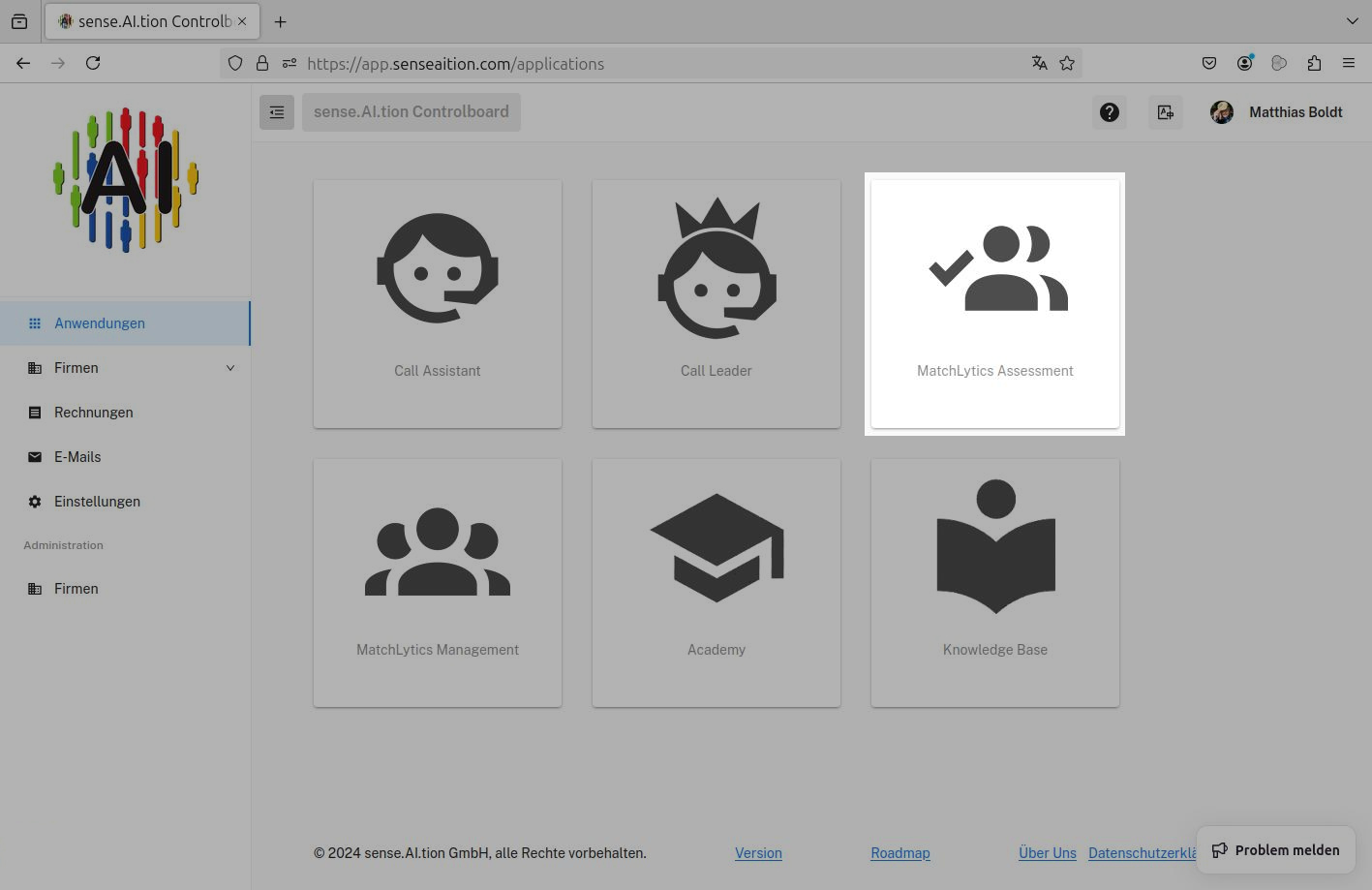
Documentation for MatchLytics-Assessment
PPT exports
The PPT exports create PowerPoint files (PPTX) on motivation profiles from MatchLytics-Management and MatchLytics-Assessment, which you can present, pass on or edit further.
- There are three exports: the motivation profile of one person (17 slides), the team motivation profile (16 slides) and the comparison of motivation profiles (12 slides).
- You trigger the export with the Download PPT button, for example in the results of an employee or applicant, in the Team Profile and in the Synergy Analysis.
- The file is created in the language of the interface (German or English, English for every other interface language).
- The last slide shows the name and logo of your company; administrators set both in the Controlboard under Settings › Customer.
- An example file for each export is available for download.
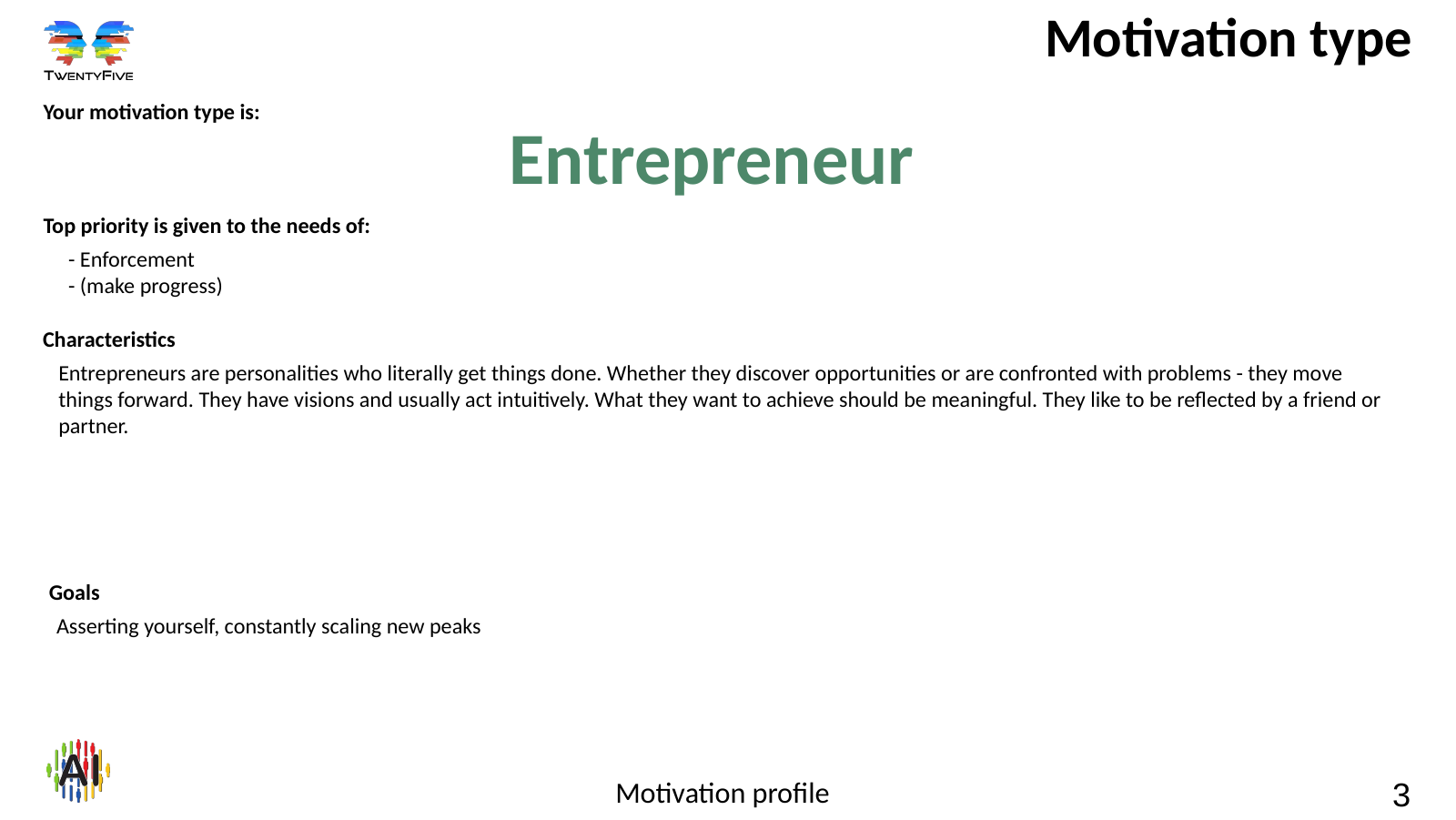
Documentation for the PPT exports
Call-Assistant
The Call-Assistant can support communication workers in call, contact and communication centers in their work. The prosodic analysis of the paraverbal communication channel during a phone call allows conclusions about the current motivations and needs of the communication partner. On this basis, the Call-Assistant gives general and project-related hints for shaping the conversation. A content analysis of the conversation (for example speech-to-text conversion or a transcription) does not take place.
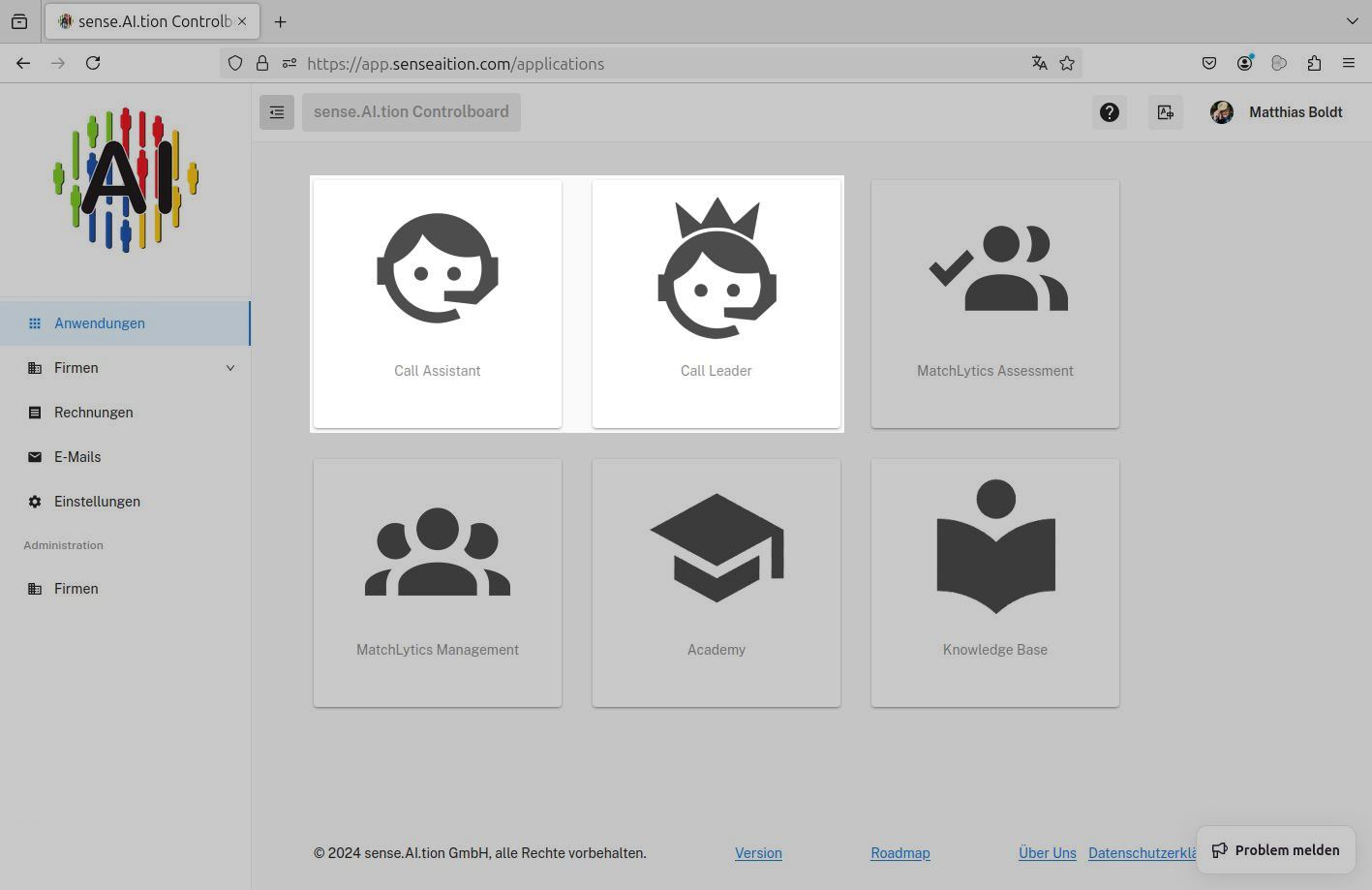
Documentation for the Call-Assistant
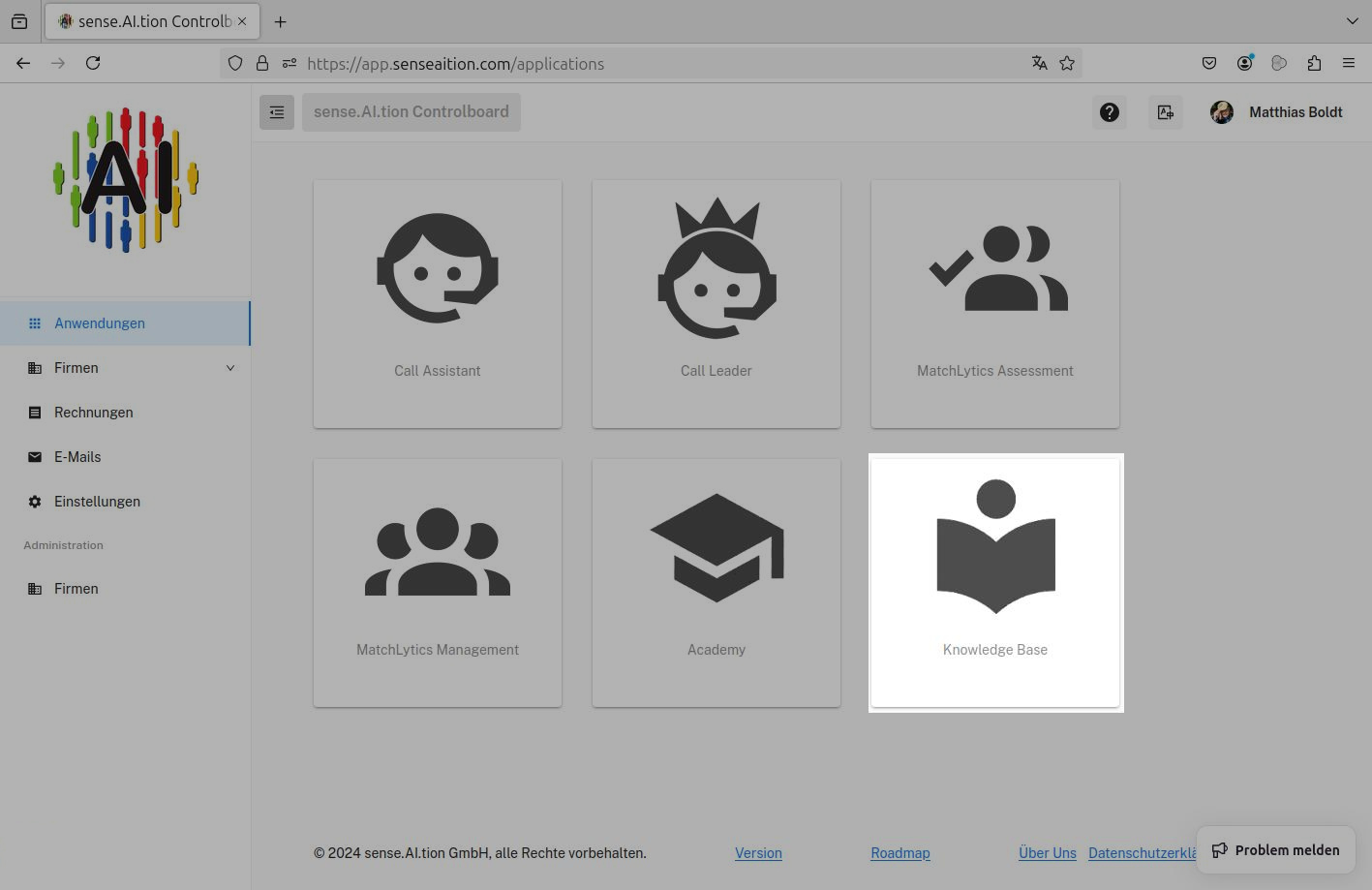
TwentyFive Knowledge base
The knowledge collection TwentyFive Knowledge base is the informative foundation for working with the products/tools of sense.AI.tion GmbH
- a lot of knowledge about the TwentyFive method
- an extensive description of the 22 motivation types according to TwentyFive
- communication hints/aids for the different motivation types
- documentation on the products/tools of sense.AI.tion GmbH
The TwentyFive Knowledge base is publicly accessible, but can also be opened directly from the Controlboard.
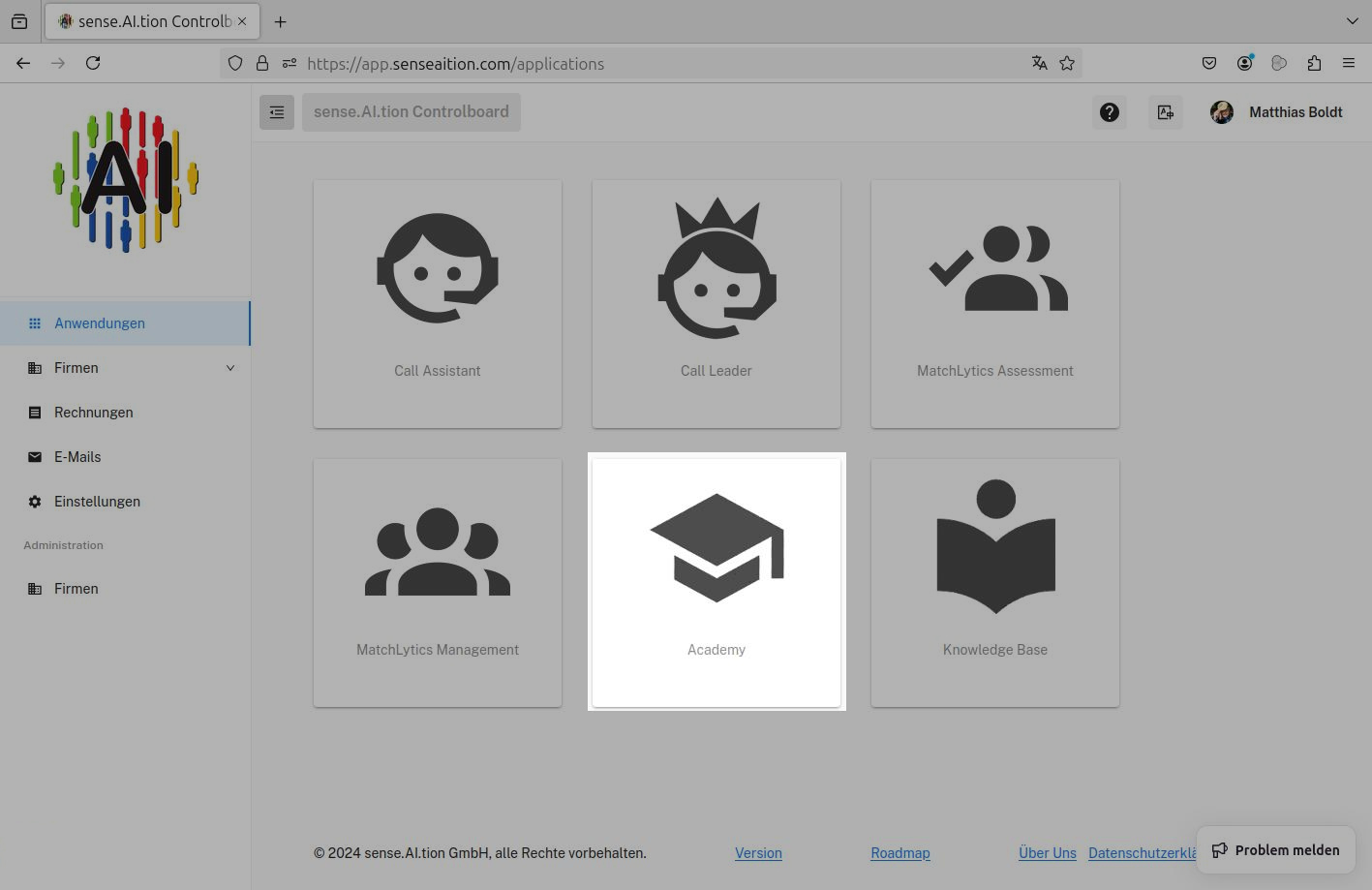
sense.AI.tion Academy
The video academy supports acquiring basic knowledge of the TwentyFive method and its application in practice. Every user signed in to the Controlboard has direct access to all training units of the sense.AI.tion Academy.
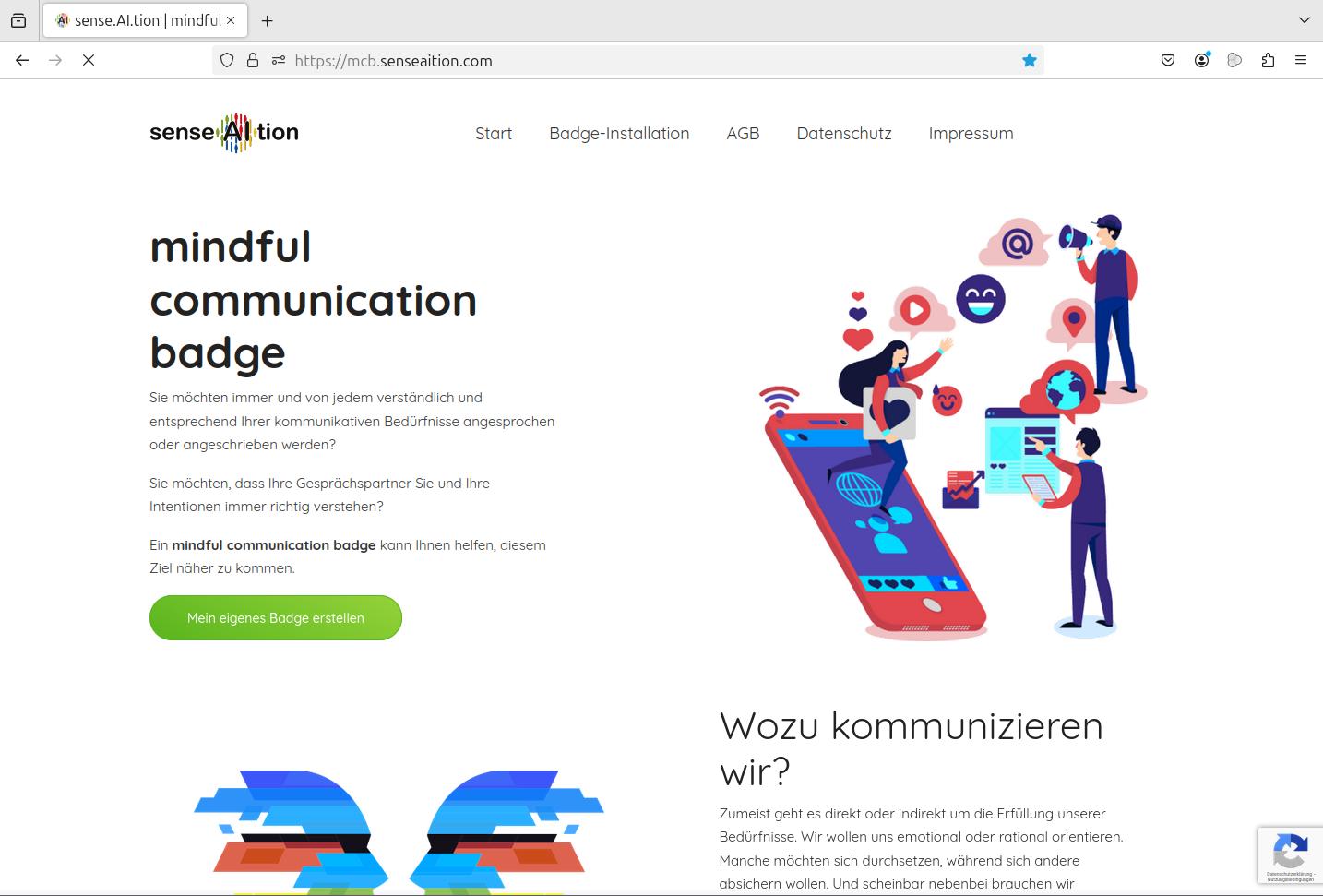
Mindful Communication Badge
The Mindful Communication Badge is a publicly accessible tool for creating a simple motivation profile.
- the badge can be placed in the email signature as a diagram and barcode
- via the link connected to the badge, an email recipient can reach the TwentyFive Knowledge base and the communicative needs of the email sender
- the tool can be reached at https://mcb.senseaition.com
Within MatchLytics-Management, a user also receives the Mindful Communication Badge with the evaluation of their detailed motivation profile. It is considerably more exact than the simple variant from the public tool.
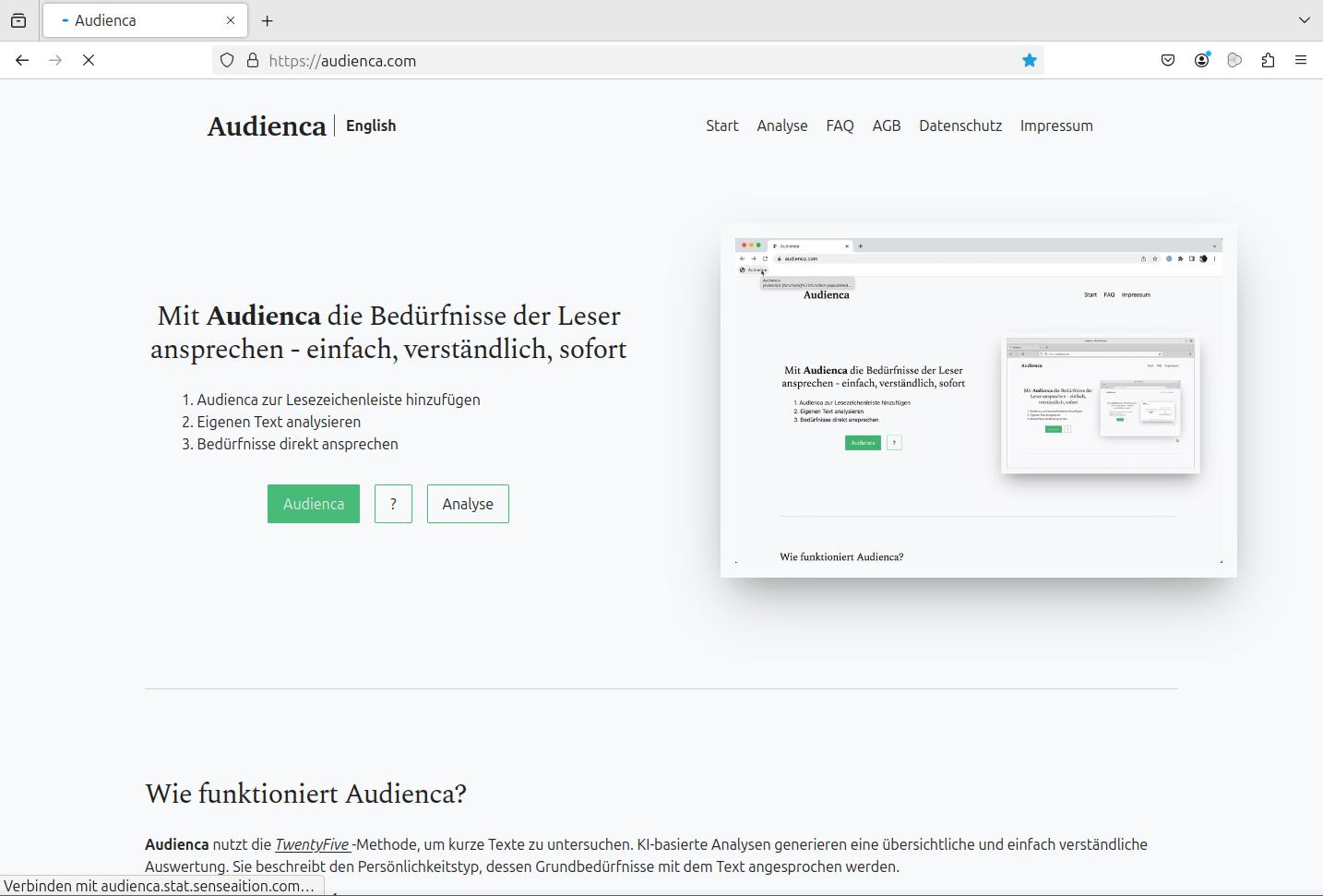
Audienca
Audienca is a publicly accessible tool for the TwentyFive analysis of short texts with only a few words.
- with Audienca, the motivation and basic needs of the authors of texts can be recognized
- it can be assessed which motivation type “feels addressed” by a particular text
- Audienca generates a short TwentyFive evaluation of the text and presents a link to suitable knowledge in the TwentyFive Knowledge base
- the tool can be reached at https://audienca.com
Links to the offers and/or the download can be found on the following pages/descriptions of the respective tool. We provide support via several channels: Support Schema
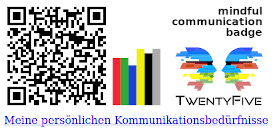 You would like to be addressed or written to always and by everyone understandably and according to your communicative needs? Would you like your conversation partners to always understand you and your intentions correctly? A mindful communication badge can help you get closer to this goal. You can have it created in five minutes … and it’s free.
With the Tools of sense.AI.tion GmbH, options are available for using TwentyFive in everyday work. These facilitate processes of recruiting, personnel management, personnel management. In addition, the tools make communication transparent, understandable and bring you closer to customers and partners.